QR codes are now a normal mobile action
Pew Research Center reports that about nine-in-ten U.S. adults own a smartphone, which makes scan-based access realistic for menus, reviews, product information and support pages.
QR Industry Report
This QR industry report explains how QR codes are moving from simple scan links into business tools for packaging, restaurants, marketing campaigns, reviews, events and customer service.
Executive summary
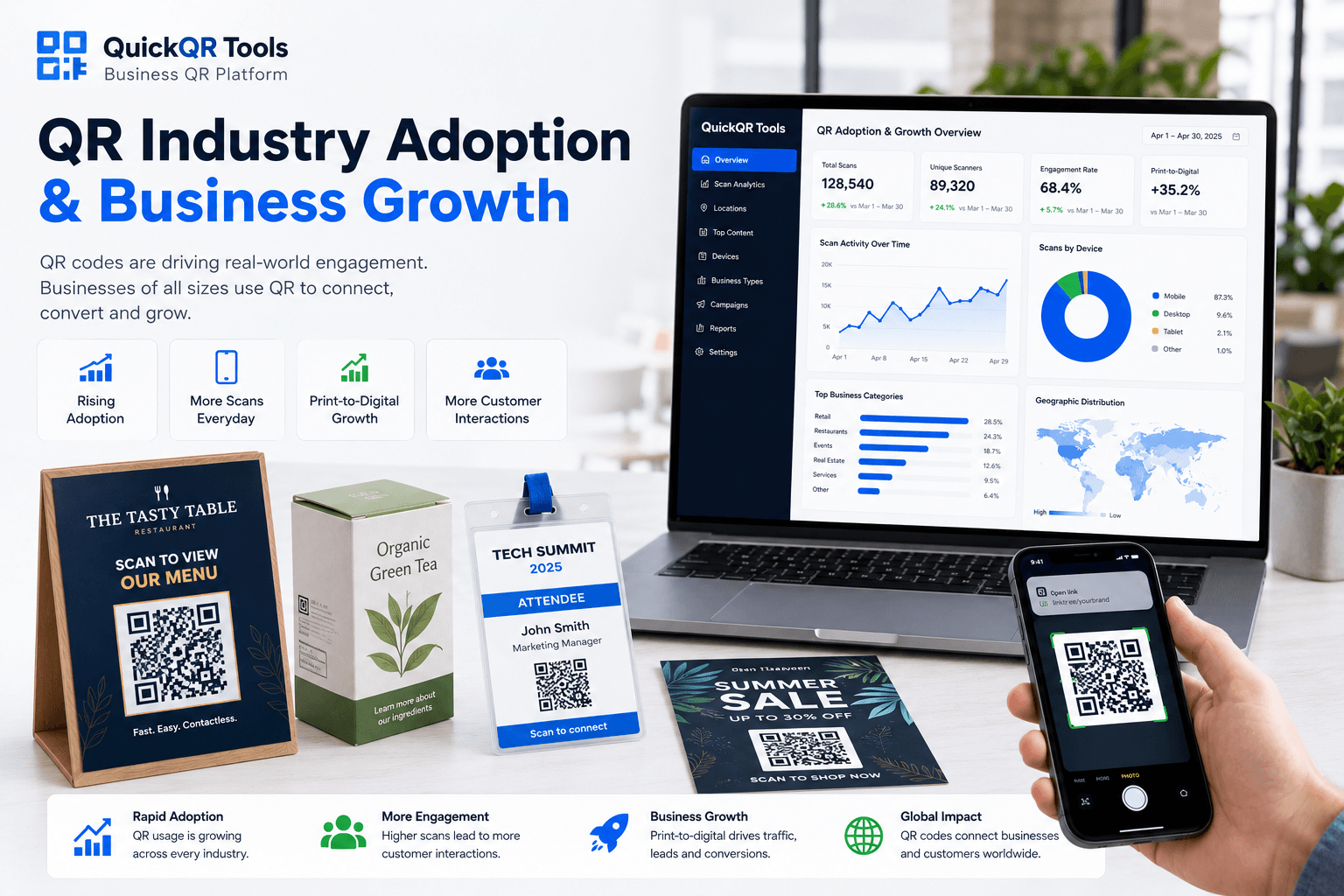
The QR market is being shaped by three forces: high smartphone access, stronger business use cases and a retail shift toward 2D codes that connect products to richer digital information.
Pew Research Center reports that about nine-in-ten U.S. adults own a smartphone, which makes scan-based access realistic for menus, reviews, product information and support pages.
Uniqode reported that 62% of surveyed U.S. business leaders expected higher sales in 2025 from QR-focused initiatives, showing that QR codes are tied to measurable business outcomes.
GS1 US says 79% of consumers are more likely to purchase products with a scannable barcode or QR code that provides additional product information.
Industry signals
The strongest QR industry trends are practical: easier mobile access, better product information, faster customer actions and more testing before print.
| Trend | What is changing | Business impact | QuickQR next step |
|---|---|---|---|
| Mobile scanning | Smartphone ownership makes QR scanning available to a broad customer base. | QR codes can work across menus, signs, packaging, events and printed handouts. | Create a website QR code |
| Retail transparency | GS1 is supporting a transition toward QR codes powered by GS1 for richer product data. | Brands can connect packaging to product details, safety information, sustainability content and customer engagement. | Share product documents |
| Customer reviews | Local businesses use QR codes to reduce friction after a positive customer experience. | Printed receipts, counters and table cards can send customers directly to a review destination. | Create a review QR code |
| Scan quality | Businesses need better sizing, contrast, distance and placement decisions before printing. | Testing helps reduce failed scans and wasted print runs. | Review QR benchmarks |
| Industry-specific use | QR use differs by restaurants, events, retail, creators, real estate and local services. | The right QR destination depends on the customer action at the physical moment. | Explore QR use cases |
Business meaning
QR codes are most useful when they reduce steps. A customer should scan once and land exactly where the business wants them to act.
Sector view
The QR industry is not one single use case. Each sector needs a different QR destination, message and placement strategy.
Menus, WiFi, review pages, specials and takeout instructions are strong QR use cases because the customer is already in a decision moment.
Packaging QR codes can support product details, manuals, recycling instructions, warranty pages and promotions without crowding the package.
Event QR codes can connect posters, badges, tickets and signs to schedules, registration pages, maps and updates.
Local service teams can use QR codes on vehicles, counters, cards and receipts to support bookings, calls, reviews and quote requests.
Creator QR codes can send offline audiences to Instagram, TikTok, YouTube, LinkedIn, app pages or a combined social destination.
Flyers, posters, table cards and product inserts need QR codes sized and tested for the real scan distance.
Practical guidance
The best response is not to add QR codes everywhere. It is to choose the right destination, test the code and make the scan feel worth the customer's time.
Before generating a QR code, decide whether the scan should open a menu, review page, WiFi login, offer, product file, event page, social profile or contact action.
A table card, poster, receipt, package and business card do not need the same size or placement. Use a size and distance check before printing.
Most QR scans happen on phones. The destination should load quickly, be easy to read and show the next action immediately.
Scan the QR code from the expected distance, under realistic lighting and on more than one phone before publishing or printing.
QuickQR tools
A QR industry report is most useful when it helps a business take action. These QuickQR tools support creation, print planning, scan testing and business use cases.
Create a clean QR code for websites, landing pages, menus, offers, events and business materials.
Choose a more reliable QR code size before printing on business cards, flyers, menus, signs or packaging.
Estimate QR code size based on the expected scan distance for posters, windows, counters and event signs.
Check foreground and background contrast before using branded QR codes in print or digital materials.
Test whether a QR code is easy to scan before launching customer-facing materials.
Browse every QuickQR generator and utility for business, restaurant, event, social, print and marketing needs.
Sources
This QR industry report uses cautious interpretation of publicly available research and industry sources. Add new sources over time as stronger data becomes available.
Used for smartphone ownership context in the United States.
Used for QR-powered product information, retail packaging and 2D barcode transition context.
Used for business adoption and expected QR-driven revenue growth context.
Used for context on QR codes carrying richer information than traditional barcodes.
Use QuickQR Tools to create, size, test and improve QR codes before adding them to menus, packaging, flyers, events, signs or customer-facing materials.
FAQ
Short answers for businesses using this QR industry report to plan better print-to-digital customer experiences.
A QR industry report summarizes QR code adoption, business use cases, retail trends, scan behavior and practical planning signals that help businesses use QR codes more effectively.
QR codes help businesses connect physical materials to digital destinations such as menus, review pages, product details, support pages, event information and marketing offers.
QR codes are common in restaurants, retail, packaging, events, local services, real estate, marketing, education, hospitality and creator businesses.
Yes. Retail packaging QR codes can connect shoppers to product information, safety details, sustainability information, instructions, manuals, promotions and customer support.
Businesses should test QR code size, contrast, quiet zone, scan distance, lighting, destination URL, mobile page speed and placement before printing.
Yes. A Google review QR code can reduce friction by sending customers directly to a review destination from receipts, counters, table cards or follow-up materials.
No. A QR code should be used when it gives the customer a clear next step. If the scan does not lead to a useful destination, the code may be ignored.
Useful tools include the QR Code Generator, QR Scan Tester, QR Size Calculator, QR Distance Calculator, QR Contrast Checker and business-specific generators for menus, reviews, events, PDFs and social profiles.