Restaurants
- Digital menus
- Table QR codes
- Ordering links
The Business QR Toolkit
Create free QR codes for menus, WiFi access, Google reviews, WhatsApp, social media, events, business cards and marketing campaigns. QuickQR Tools helps businesses turn printed materials into simple digital actions customers can complete on their phones.
Start Free
Create a simple website QR code first, then explore dedicated tools for WiFi, menus, reviews, WhatsApp, social media and more.
Paste a business link, choose a color and download a clean QR code.
Use your QR code on menus, posters, product packaging, signs, flyers and business cards.
Popular QR Tools
Start with the QR tools businesses use most often for customer access, contact, reviews, menus and marketing materials.
Create QR codes for websites, landing pages, online stores and business profiles.
Let guests join WiFi in cafes, hotels, offices, events and rentals without typing a password.
Open ready-to-send WhatsApp chats for quotes, support, bookings and customer questions.
Make it easier for customers to open your Google review page after a visit or purchase.
Connect table cards, windows, receipts and takeaway packaging to restaurant menus.
Send scanners to Instagram, YouTube, TikTok, Facebook, LinkedIn or social campaign pages.
Business Use Cases
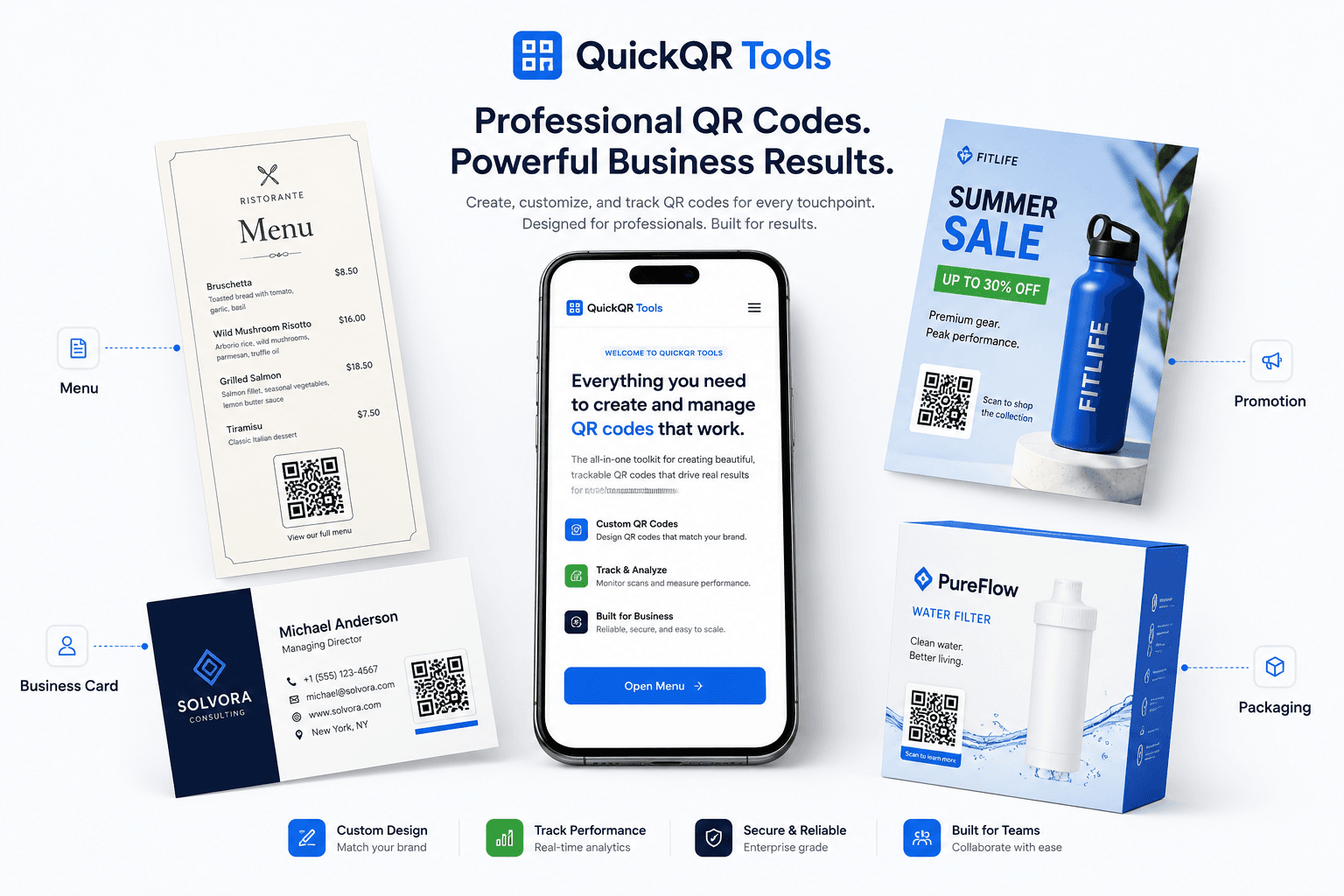
QuickQR Tools helps different businesses turn physical touchpoints into useful digital actions customers can scan, open and complete.
Why QuickQR Tools
A simple, professional QR toolkit for print, mobile and everyday business workflows.
Create QR codes in seconds without a complicated dashboard or technical setup.
Use business-ready QR solutions for menus, reviews, contact, WiFi, events and campaigns.
Generate high-quality scannable QR codes and test them before using them publicly.
Choose from multiple QR formats and use cases instead of forcing every campaign into one tool.
Use a free QR code generator for stable links, contact actions and print materials.
Work from desktop or mobile and create QR codes for real customer journeys.
How It Works
Choose the right QR type, add your information, generate the code and use it on the materials your customers already see.
Select the generator that matches the customer action you want.
Paste a URL, WiFi details, contact information, review link or campaign destination.
Choose a clean QR color and preview the result before using it.
Download your QR code and place it on print, packaging, signage or digital materials.
Featured Resources
Use these business QR guides to plan better campaigns, choose the right generator, prepare print materials and connect offline customer moments to useful digital actions.
For accessible QR destinations, review the W3C accessibility fundamentals.
Understand how QR codes work, when to use them and how businesses can create better scan experiences.
Plan QR campaigns for flyers, packaging, events, coupons, social media and business promotions.
Use QR codes for menus, WiFi, reviews, offers, takeout, table cards and guest experiences.
Plan practical restaurant QR workflows for menus, guest WiFi, Google reviews, offers, table cards and takeout packaging.
Plan QR codes for reviews, customer chats, contact sharing, offers, documents, business cards and printed local materials.
Plan QR codes for product packaging, coupons, shelf cards, receipts, store displays and customer reviews.
Learn how local businesses can request reviews professionally with printed and digital QR codes.
Choose the right QR size, distance, contrast and format for menus, flyers, signs and packaging.
Review verified QR code statistics for adoption, mobile scanning, business usage, marketing and print planning.
Check scan quality, print size, contrast and placement before using QR codes in business materials.
Review QR industry trends for business adoption, retail packaging, mobile scanning and print-to-digital growth.
See practical QR code ideas for restaurants, retail, events, real estate, creators and local businesses.
Business QR Toolkit
QuickQR Tools brings together practical QR generators and guides for everyday business growth.
Practical Use Cases
QuickQR Tools is designed for practical teams that need QR codes to support real customer actions.
Restaurants can connect table cards to menus, WiFi access, offers and review requests.
Local teams can use QR codes on flyers, invoices, storefronts, cards and service materials.
Creators can turn packaging, booths and events into profile visits, video views and audience growth.
Event teams can link posters, badges and tickets to registration pages, schedules and maps.
FAQ
Answers to common questions about creating, downloading and using QR codes for business.
Yes. QuickQR Tools provides free static QR code generators for common business and personal use cases.
Static QR codes usually keep working as long as the encoded destination or action still works.
Yes. Businesses use QR codes on menus, flyers, signs, product packaging, receipts, cards and event materials.
Yes. Download the QR code, place it in your design and test the final printed size before distribution.
Yes. Use the WiFi QR Code Generator to help guests connect without typing a network name or password.
Yes. Paste your Google review link into the Google Review QR Code Generator and place the code where customers naturally see it.
You can choose a QR color on supported tools. Keep contrast strong so the code remains easy to scan.
No account is required for the current free static QR code generators.
Create your first business QR code for menus, WiFi, reviews, social media, events, print materials and marketing campaigns.
