Create QR Code

Business QR Tool

Free QR Code Generator For Business Websites And Campaigns

Free QR code generator helps businesses turn website links, menus, landing pages, product pages, forms and campaigns into professional QR codes for print and digital use.

Free Static QR Codes No Signup Required PNG, SVG and PDF Business Ready
free qr code generator for business websites campaigns and print materials
01
Connect offline to onlineSend customers from flyers, menus, cards, packaging and signs to the right web page.
02
Create a business-ready QRChoose color, preview the code and keep the destination simple for mobile users.
03
Download and use anywhereExport PNG, SVG or PDF for websites, print layouts, business materials and customer-facing campaigns.

QR settings

Enter the URL and choose the export settings for your QR code.

If you paste example.com, the generator will add https:// automatically.

Export QR code

Use the format that fits your workflow.

Static QR
PNGBest for websites, documents and quick sharing.
SVGBest for designers, logos, print layouts and scaling.
PDFBest for print-ready files and sharing with teams.
Copy linkCopy the destination URL used in the QR code.

How to create a QR code for a website

The workspace is built for fast QR creation without clutter. Paste your URL, generate the code, then export the format you need.

1
Paste your URL

Add the website, menu, store, profile or review link.

2
Choose a color

Use a dark, high-contrast color for reliable scanning.

3
Preview the code

Check the generated QR code before downloading.

4
Export files

Download PNG, SVG or PDF for print and digital use.

What is a free QR code generator?

A free QR code generator turns a website URL into a scannable code people can open with a phone camera. It is useful when a typed link would be too slow, too long or too easy to mistype.

URL QR codes connect physical attention to a digital destination

A URL QR code is one of the most common QR code formats because it can point to almost any web page: a landing page, restaurant menu, booking page, product page, event registration page, portfolio, social profile, review link, form or document URL. When someone scans the code, the phone opens the destination link without requiring the person to type the address manually.

QuickQR Tools focuses on static URL QR codes for simple, fast and privacy-friendly use. The destination URL is stored directly in the QR code. That makes the code easy to download, print and share, but it also means the encoded link itself cannot be changed after the QR code has been printed. If you expect to update a campaign later, the safest approach is to point the QR code to a stable landing page that you control, then update the content on that page.

Use this free QR code generator when you need a clean website QR code for a landing page, menu, store, profile, form, review link or campaign page. The goal is simple: create a reliable QR code that scans well and sends people to the right destination.

QR code standard reference

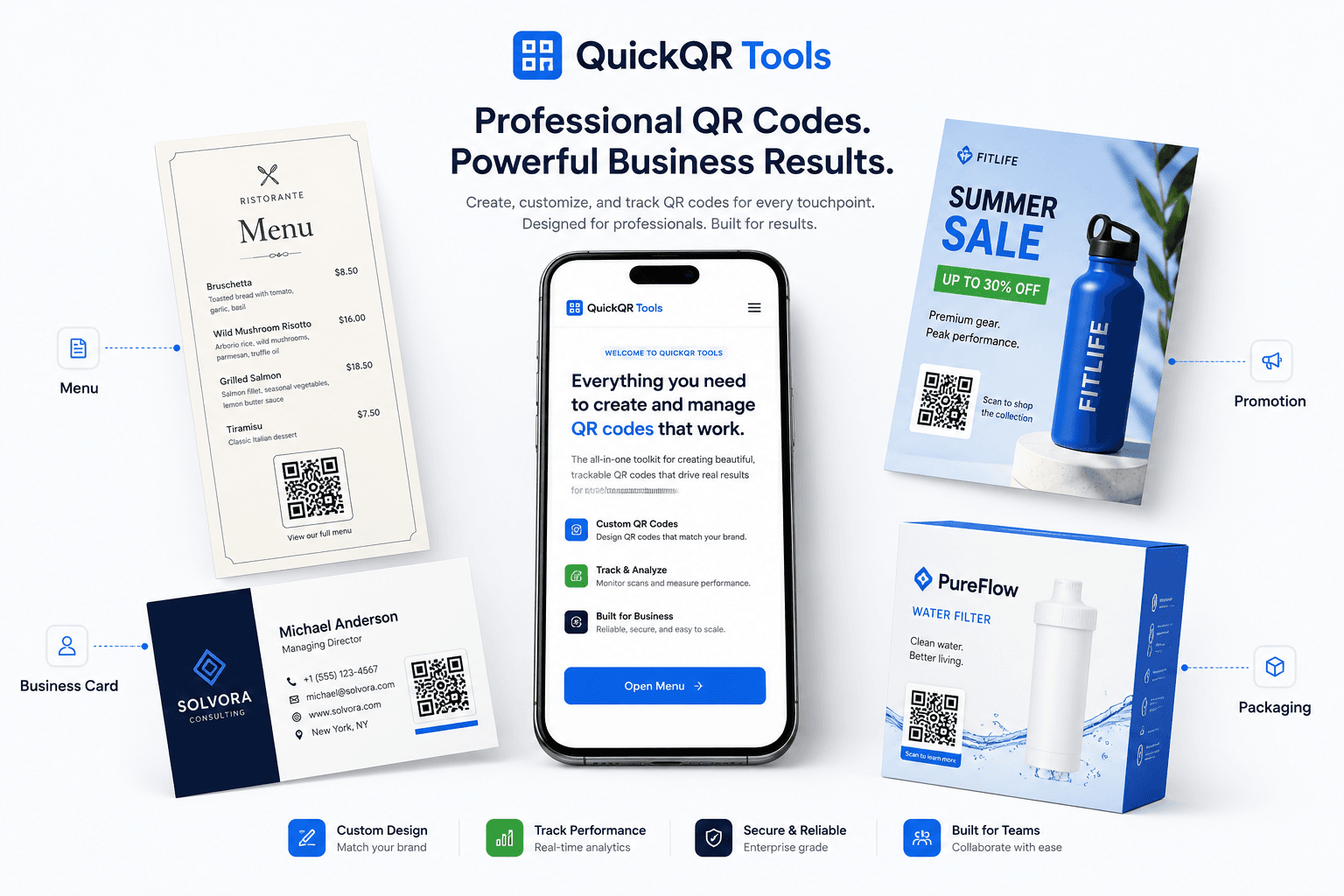
Turn offline attention into online action

A URL QR code gives people a fast path from a printed surface to a web page. Use it wherever typing a link would slow people down.

Restaurant menuScan to view
Product packagingScan for details
Google reviewsScan to review
Event posterScan to register

Restaurant menu QR code

Send guests to a digital menu, ordering page or specials page.

Google review QR code

Guide customers directly to your review page after a purchase.

Business card QR code

Link people to your website, portfolio, booking page or social profile.

Flyer QR code

Make printed campaigns measurable by linking to a landing page.

Best practices for reliable QR codes

A QR code is only useful if people can scan it quickly. Use these rules before adding your code to print materials, packaging, signs, menus or business cards.

Use a clean destination URLOpen the link in a browser before generating the code. Avoid broken pages, private dashboards, login-only links and temporary preview URLs.
Keep strong contrastDark QR code on a white or very light background is the safest combination for phone cameras and scanning apps.
Protect the quiet zoneLeave empty space around the QR code. Crowding the code with text, logos or borders can reduce scan reliability.
Choose the right sizeSmall codes can work on business cards, but flyers, table cards, signs and posters need larger codes because people scan from farther away.
Test before printingScan the final design from the real distance and angle. Test on at least one iPhone and one Android phone when possible.
Use a clear call to actionTell people what will happen: Scan to view menu, Scan to book, Scan to get coupon or Scan to leave a review.

PNG, SVG or PDF: which QR code format should you download?

The best download format depends on where the QR code will be used. QuickQR Tools includes PNG, SVG and PDF so you can choose the right file for digital sharing, design work or print.

Format Best for Why it helps
PNG Websites, documents, email, simple print jobs and quick sharing. PNG is easy to use almost everywhere. It works well when you need a simple image file and do not plan to enlarge the QR code too much.
SVG Design tools, professional layouts, packaging, signs and scalable print files. SVG is vector-based, so it stays sharp when resized. This is usually the strongest option for designers and print layouts.
PDF Print-ready sharing, internal approval, simple coupon cards, posters and handoff to teams. PDF is practical when you want a file that can be opened, reviewed and printed without extra design software.

Static vs dynamic QR codes for websites

This generator creates static QR codes. Static codes are simple and useful, but it is important to understand when they are the right choice.

When a static QR code is enough

A static QR code is a good fit when the destination URL is stable. Examples include a permanent website page, a restaurant menu URL you control, a contact page, a Google review link, a public PDF URL, a social profile or a landing page that will remain available. Static QR codes do not require an account, do not depend on a redirect dashboard and can be downloaded immediately.

For many small businesses, creators, restaurants, local services and event organizers, a static website QR code is the fastest way to connect print materials to a digital page. It is also simple to archive because the QR code itself contains the destination.

When to plan for dynamic QR codes

A dynamic QR code is more useful when you need editability, analytics, campaign tracking, expiration rules or different destinations over time. If you print thousands of flyers and expect the destination to change later, a dynamic code can reduce risk. QuickQR Tools currently focuses on free static generators, while dynamic QR code features are planned for a future premium version.

If you are using a static QR code today, a smart workaround is to use a stable URL that you control. For example, use a page on your own website, then update that page when the offer, menu, event or campaign changes.

Common QR code mistakes to avoid

Most QR code problems come from the final design, not the QR code itself. Review these issues before publishing or printing.

  1. Using a link that may change. If the URL changes after printing, the static QR code will still point to the old address.
  2. Printing the QR code too small. A code that works on screen may fail on a poster, window sign or table card if people scan from a distance.
  3. Removing the quiet zone. The blank margin around a QR code helps cameras recognize the code. Keep it clean.
  4. Using low contrast colors. Pale colors, gradients and busy backgrounds can make scanning unreliable.
  5. Forgetting mobile experience. The destination page should load fast and look good on phones, because most scans happen on mobile.
  6. No call to action. A QR code with no context gets fewer scans. Add a short label that explains the benefit.
  7. Skipping final testing. Always scan the final exported or printed version before sharing it with customers.

Free QR code generator FAQ

Answers to common questions about free QR code generators, website QR codes, downloads, printing and editing.

Is this QR code generator free?

Yes. QuickQR Tools lets you create free static QR codes for website URLs.

Can I download my QR code as SVG or PDF?

Yes. This generator supports PNG, SVG and PDF downloads for website QR codes.

Do I need an account?

No. You can generate and download a static URL QR code without creating an account.

Can I edit the QR code after printing?

Static QR codes cannot be edited after printing. Dynamic QR code features are planned for QuickQR Tools Pro.

What can I link to with a URL QR code?

You can link to a website, landing page, restaurant menu, PDF file, booking page, social profile, coupon page, event page, form or Google review link.

What is the best QR code format for print?

SVG is usually best for professional print because it stays sharp when resized. PNG is fine for simple use, and PDF is useful for sharing a print-ready file.

How big should a printed QR code be?

For close-range scanning, use at least 2 x 2 cm. For flyers, posters, table cards and signs, make the code larger and test it from the real scanning distance.

Can I use this QR code generator for business?

Yes. Businesses can use website QR codes on menus, flyers, posters, product packaging, business cards, signs, receipts and event materials.

Ready To Create Your QR Code?

Use QuickQR Tools to create a clean website QR code for menus, flyers, packaging, business cards, events, landing pages and customer campaigns. Generate your QR code, test the destination and download the format that fits your workflow.