Grow video views
Send people from posters, merch, business cards and events to your latest video or channel.
Video QR Tool
YouTube QR code generator for creators, businesses, educators and event teams that want people to scan from flyers, packaging, signs or presentations and open a video, channel, playlist, Short or livestream without typing or searching.
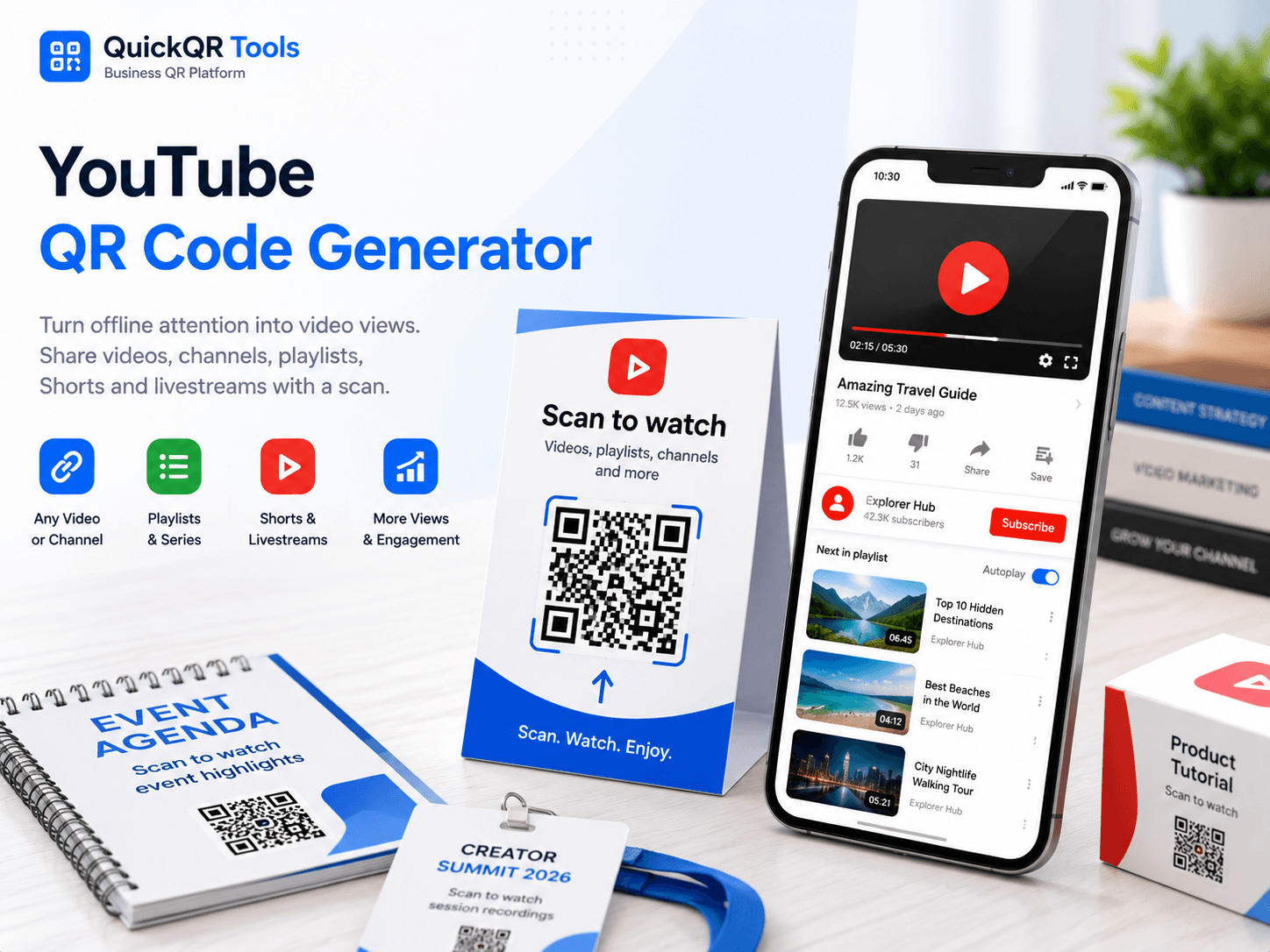
Paste a public YouTube video, channel, playlist, Short, livestream or campaign URL, choose a color and download a clean QR code for print or digital sharing.
Use it on posters, product packaging, event booths, menus, business cards, lessons, presentations and creator campaigns.
A YouTube QR code generator connects print, events, packaging and presentations to videos, channels and playlists without making people search manually.
Send people from posters, merch, business cards and events to your latest video or channel.
Add tutorial videos, demos and customer education to packaging, manuals and displays.
Connect attendees to livestreams, recap videos, speaker playlists and sponsor content.
Put QR codes on worksheets, slides and handouts so students can open video resources fast.
Copy the final public YouTube link, generate the QR code, then test it on a phone before printing.
Use a video, channel, playlist, Short, livestream or campaign landing URL.
Paste the URL into the YouTube QR Code Generator and choose a readable color.
Scan it on mobile, then export PNG, SVG or PDF for your final design.
A YouTube QR code generator creates a QR code that opens a YouTube video, channel, playlist, Short, livestream or campaign link after someone scans it with a phone.
A YouTube QR code generator creates a QR code that opens a YouTube destination after someone scans it with a phone. The destination can be a video, channel, playlist, Short, livestream, premiere or landing page that includes YouTube content. The goal is simple: move people from offline attention to video content in one scan.
This is useful because YouTube links can be long, channel names can be hard to type and people may not remember what to search later. A YouTube QR code gives the visitor a direct path from a flyer, label, menu, classroom handout, trade show sign or product insert to the exact content you want them to watch.
For best results, use the final public YouTube URL, add a clear label near the code and test the scan from the final printed size. YouTube provides official help for sharing videos and channels, and Google provides general YouTube support resources for creators and viewers.
Choose the destination based on the action you want after the scan.
Best for a single tutorial, product demo, announcement, review, music video or training lesson.
Best when the goal is subscribers, brand discovery and long-term audience growth.
Best for courses, event recaps, product education, onboarding and grouped video resources.
Best for launches, live events, creator promotions and mobile-first video campaigns.
A strong YouTube QR code generator workflow includes the right video link, a clear scan label, enough print size and a mobile test.
| Best practice | Why it matters | What to check |
|---|---|---|
| Use the final public YouTube URL | Private, unlisted or draft links may not work for every visitor. | Open the link in a private browser and on a phone. |
| Label the QR code clearly | People scan more when they know what video will open. | Use text like "Scan to watch the demo." |
| Choose the right destination | A channel, playlist or video can each support a different goal. | Match the link to views, subscribers, training or event replay. |
| Test the printed size | Posters, cards, packaging and menus need different QR sizes. | Scan the final layout before printing a full batch. |
| Keep the design simple | Busy backgrounds and low contrast reduce scan reliability. | Use a clean white area and strong contrast around the code. |
A YouTube QR code generator can create the QR image quickly, but the campaign still needs the right destination, scan label and print setup.
Private, draft or region-restricted videos may not open for every scanner. Test the link outside your own account.
A channel works for long-term discovery, while a video, playlist or Short may be clearer for one campaign.
Flyers, labels and slides need enough size, contrast and quiet space to scan reliably.
Replace generic text with clear labels like "Scan to watch the demo" or "Scan for the video guide."
Continue the workflow with social media, print, marketing and business QR resources.
Read the full guide for video links, playlists, channels, print testing and campaign ideas.
Use YouTube QR codes on creator cards, merch, packaging, event booths and printed media kits.
Create QR codes for social profiles, videos, posts and creator campaigns.
Create QR codes for Instagram profiles, posts, Reels, highlights and creator campaigns.
Create QR codes for Facebook pages, groups, events, posts and social campaigns.
Create a QR code for any public landing page or website link.
Support event videos, livestreams, schedules and replays.
Promote companion apps alongside videos, channels and creator campaigns.
Use YouTube QR codes in product education, events, packaging, flyers and campaign materials.
Print YouTube QR codes clearly for posters, labels, cards, event signs and packaging.
Review QR code best practices before publishing video QR campaigns.
Browse every active QuickQR Tools generator for videos, links, apps, events and business workflows.
Check whether your YouTube QR code is easy to scan before using it in a final design.
Choose a safer print size for posters, packaging, event signs, cards and presentation handouts.
Estimate scan distance for product displays, event screens, posters and education materials linking to videos.
Review foreground and background contrast before printing a branded YouTube QR code.
Review verified QR code statistics for mobile scanning, business usage and video print-to-digital campaigns.
Answers to common questions before creating and printing a YouTube QR code.
Yes. You can create a free static YouTube QR code from a public YouTube video, channel, playlist, Short or livestream URL.
Yes. Paste the public channel URL into the generator and download the QR code.
Yes. A playlist QR code is useful for courses, tutorials, event recaps and product education.
Yes. Use PNG, SVG or PDF and test the printed version from the real scanning distance.
No. The QR code opens the YouTube destination. Playback depends on the user device, browser and YouTube app settings.
A static QR code cannot be edited after printing. Use a stable landing page if you may need to change the video later.
Yes. Paste the public YouTube Short URL into the generator and test the scan on a mobile device before publishing.
Use it on product inserts, event signs, classroom handouts, packaging, flyers, business cards, presentations and retail displays.
The Business QR Toolkit
Paste your YouTube link, generate a clean QR code and download it for videos, channels, playlists, events, packaging, lessons and creator campaigns.