
Open a campaign page
Send poster viewers to a landing page, service page, product page, booking form or quote request.
QR Codes For Posters
QR codes for posters help people scan a wall poster, event display, window sign or retail promotion and open a website, coupon, menu, ticket page, map, booking form, review page or social profile from their phone.
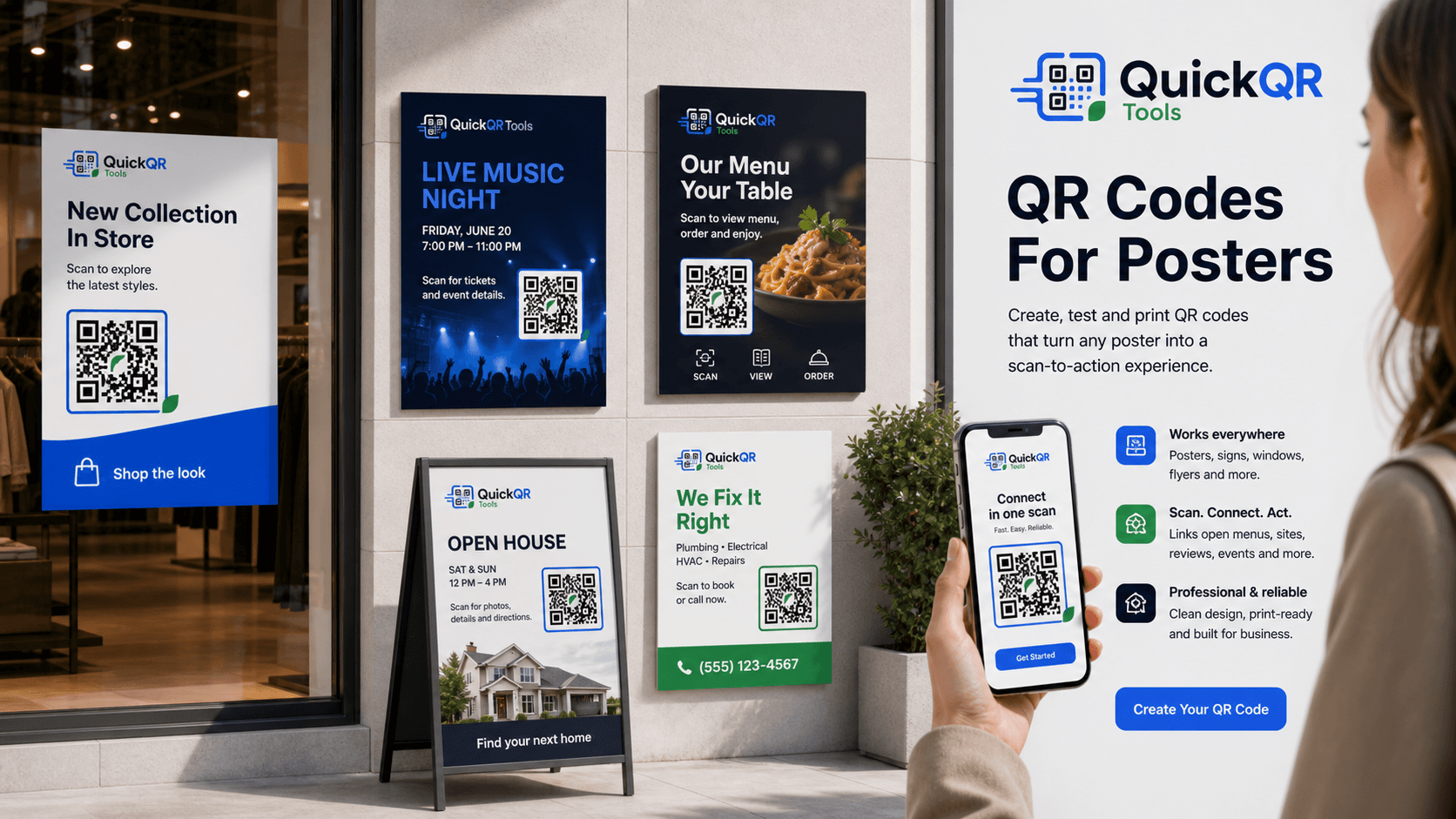
Poster use cases
Posters often reach people at a distance. A clear QR code gives them a fast way to act while the message is still fresh.
Send poster viewers to a landing page, service page, product page, booking form or quote request.
Use poster QR codes for coupons, retail promotions, seasonal discounts, restaurant offers or local deals.
Connect event posters to ticket pages, schedules, venue maps, speaker pages, RSVP forms or calendar actions.
Use wall posters or window signs to open menus, catalogs, product lists, PDF brochures or digital lookbooks.
Send people from real estate signs, event posters or store posters to maps, directions or location pages.
Let people open social profiles, review pages, feedback forms, YouTube channels or creator pages from posters.
Poster placement
QR codes for posters are different from QR codes on flyers. A flyer is scanned close in someone’s hand. A poster may be scanned from a few feet away, from a window, in a hallway, at a booth or while people are moving.
Use a short scan instruction near the code, such as scan for tickets, scan for menu, scan for offer, scan for map or scan to book. The message should explain the value before someone lifts their phone.
Keep the QR code away from poster edges, folds, glare, busy photos and low-contrast backgrounds. If the poster will be behind glass, test reflections and lighting before printing.
Poster examples
Match the poster QR destination to what someone is likely to do when they see the poster.
| Poster type | Best QR destination | Useful QuickQR tool |
|---|---|---|
| Restaurant poster | Menu, ordering page, coupon, reservation page or review page. | Menu QR Code Generator |
| Retail window poster | Promotion, product collection, coupon, store page or loyalty signup. | Coupon QR Code Generator |
| Event poster | Ticket page, schedule, RSVP form, calendar invite, map or speaker page. | Event QR Code Generator |
| Real estate poster | Listing page, property video, open house details, map directions or agent contact. | Location QR Code Generator |
| Service poster | Quote request, booking page, WhatsApp chat, phone number or service page. | WhatsApp QR Code Generator |
| Product poster | Product page, instruction PDF, demo video, packaging details or reorder page. | PDF QR Code Generator |
| Creator poster | Instagram, TikTok, YouTube, link page, merch page or community signup. | Social Media QR Code Generator |
| Review poster | Google review page, feedback form or post-visit review request page. | Google Review QR Code Generator |
| General poster campaign | Landing page, lead form, campaign page, app download or newsletter signup. | QR Code Generator |
Scan readiness
Posters are often scanned from farther away than flyers, business cards or labels. Test size, distance and contrast before printing.
Estimate QR size based on how far people will stand from a poster, sign or display.
Calculate distanceChoose a safer QR size for posters, wall signs, windows, event boards and retail displays.
Calculate sizeCheck whether poster colors, photos and backgrounds keep enough contrast for reliable scanning.
Check contrastRelated tools
Create QR codes for landing pages, booking forms, campaign pages, websites and product pages.
Create URL QRAdd a scannable coupon, local offer, discount or promotion to a printed poster.
Create coupon QRUse QR codes for event posters, tickets, schedules, venue maps and calendar actions.
Create event QRSend poster viewers to maps, stores, open houses, booths, venues and destination pages.
Create location QRInvite customers to leave a review from counters, windows, waiting rooms and service posters.
Create review QRConnect posters to Instagram, TikTok, YouTube, Facebook, LinkedIn or a social landing page.
Create social QRRelated guides
Plan QR codes for handouts, mailers, restaurant flyers, event flyers and local promotions.
Explore flyer use casesPlan QR codes for table cards, counter signs, restaurant menus, WiFi access, reviews and offers.
Explore table tent use casesPlan QR campaigns for posters, flyers, packaging, coupons, events and customer journeys.
Explore marketing use casesReview QR size, distance, quiet zone, contrast and print testing before production.
Read printing guideConnect retail posters, windows, shelves and promotions to useful customer actions.
Explore retail use casesUse QR codes for event posters, schedules, maps, registration, tickets and attendee resources.
Explore event use casesReview QR benchmarks for scan readiness, print quality, mobile behavior and business use cases.
View benchmarksReferences
Helpful for keeping promotional poster claims clear, honest and easy for customers to understand.
Helpful when the poster QR destination is a mobile landing page that should load quickly.
Create a clean QR code, place it on your poster, test the scan distance and send people to the right digital action.
FAQ
QR codes for posters are scannable codes printed on posters, signs, displays or window graphics so people can open a website, coupon, menu, event page, map, review page or social profile from their phone.
The best size depends on viewing distance. A poster scanned from across a room needs a larger QR code than a handout scanned close up.
Place the QR code where people can see it clearly, away from edges, folds, glare, busy images and low-contrast backgrounds.
A poster QR code can link to a landing page, coupon, booking page, menu, product page, event page, map, review page, PDF or social profile.
Yes. Event posters can use QR codes for tickets, registration, schedules, speaker pages, venue maps and calendar actions.
Yes, but glass can create glare and reflections. Test the poster in the real location before relying on it for a campaign.
Brand colors can work if the QR code keeps strong contrast. Avoid low-contrast designs and test the printed poster before publishing.
Print a sample, place it at the real viewing distance, scan it with several phones and test it under the same lighting where the poster will appear.