
Flyers and posters
Send people from local print materials to landing pages, menus, booking pages, event registrations, product pages or limited-time offers.
QR Codes For Marketing
QR codes for marketing help people scan flyers, posters, packaging, product labels, coupons, event signs and social campaigns so they can open the right page, offer, video, form or review request from their phone. Use QR codes for marketing when a printed touchpoint needs to become a clear digital action.
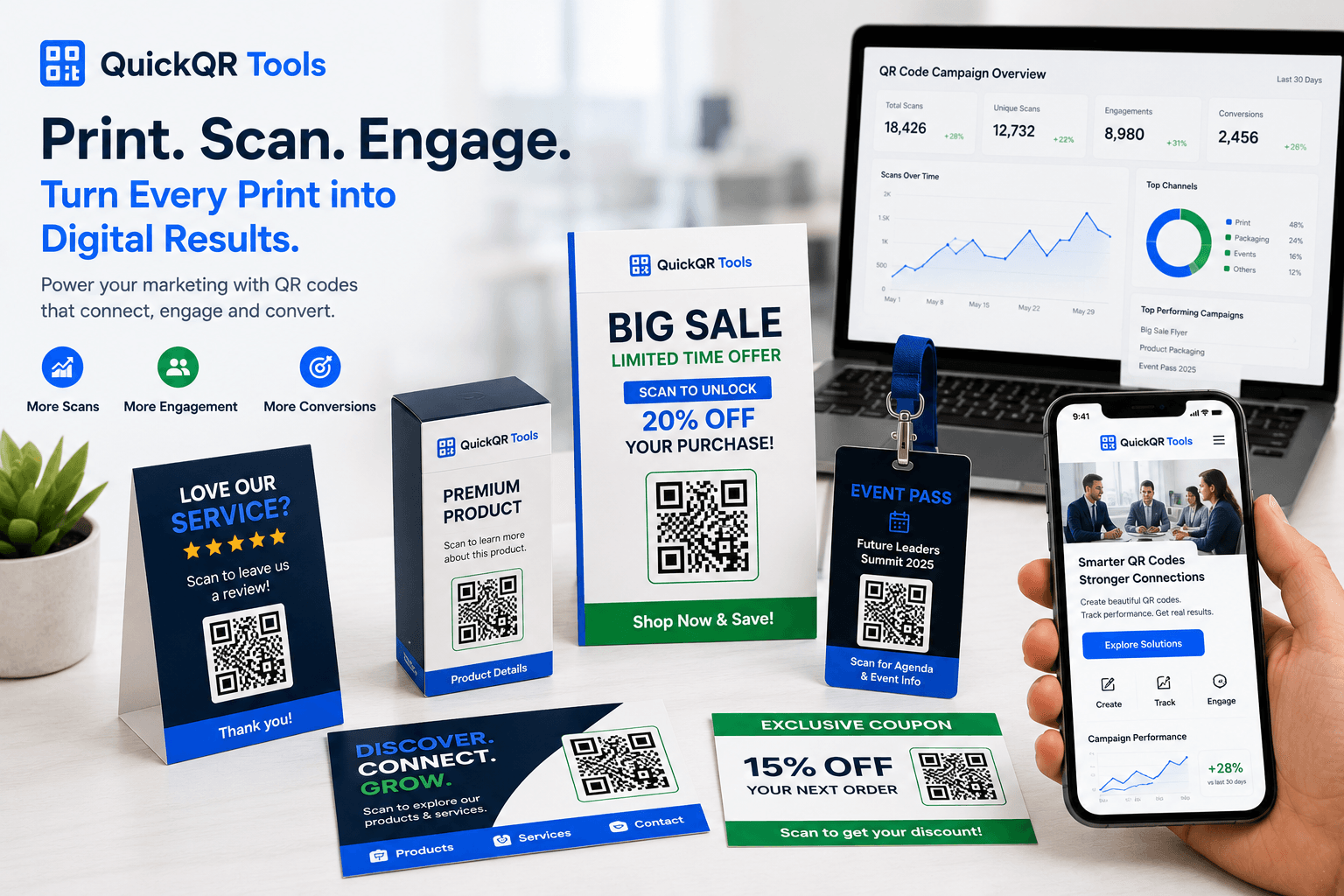
Campaign use cases
Marketing QR codes work best when each printed touchpoint has one clear scan promise and one useful destination.
Send people from local print materials to landing pages, menus, booking pages, event registrations, product pages or limited-time offers.
Add QR codes to boxes, labels and inserts so customers can open instructions, warranty pages, videos, ingredients, reviews or reorder pages.
Turn discounts into scannable actions on receipts, shelf cards, bags, table tents, posters and campaign cards.
Connect tickets, badges, banners and venue signs to schedules, maps, speaker pages, registration forms and follow-up resources.
Help customers open Instagram, TikTok, YouTube, Facebook or LinkedIn profiles from stores, booths, packaging and printed creator materials.
Use QR codes after a customer interaction so people can leave a review, send feedback or open a support form without typing a long URL.
Planning
Start with the action you want after the scan. A QR code on a poster might open a campaign landing page. A QR code on packaging might open a product guide. A QR code on a receipt might open a coupon, review page or reorder link. The right QR code depends on the moment, the location and the customer intent. QR codes for marketing work best when the scan promise is specific and the destination is easy to use on mobile.
For strong QR code marketing, keep the message close to the code. The label should tell people exactly what will happen: scan for menu, scan for 15% off, scan to watch the demo, scan to register, scan to leave a review or scan to follow us. Clear wording increases trust and reduces hesitation.
Before printing, test the code from the real scan distance. A tabletop card, a product label, a window sign and a large poster all need different sizes. A QR code can look good on screen and still be too small, too low contrast or too close to other design elements when printed. This is why QR codes for marketing should always be checked on the final material before a campaign goes live.
Campaign examples
Use these examples to match the QR code destination to the printed material and customer context.
| Marketing material | Best QR destination | Useful QuickQR tool |
|---|---|---|
| Flyer | Landing page, coupon, booking page or event page for QR codes for marketing campaigns. | QR Code Generator |
| Poster | Event registration, product demo, menu, playlist or offer page. | QR Distance Calculator |
| Packaging | Instructions, reorder page, product story, review page or social profile. | QR Codes For Retail |
| Receipt | Review request, coupon, loyalty page or feedback form. | Google Review QR Code Generator |
| Table card | Menu, WiFi access, coupon, review page or ordering link. | Menu QR Code Generator |
| Event badge | Schedule, speaker profile, map, PDF resource or contact page. | Event QR Code Generator |
| Brochure | PDF, case study, quote request form or product catalog. | PDF QR Code Generator |
| Store display | Promotion, product page, app download, social profile or customer review page. | Coupon QR Code Generator |
| Creator merch | Video, social profile, link page, shop or newsletter signup. | QR Codes For Creators |
Print readiness
A campaign QR code should be tested on the final material, at the expected distance, with the same lighting and background people will see. QR codes for marketing need enough size, contrast and quiet space to work reliably in real customer environments.
Use a practical checklist before printing flyers, packaging, posters, table cards or event materials.
Test scan readinessEstimate a safer printed QR size based on how far people will stand from the code.
Calculate sizeCheck whether your QR colors have enough contrast before using a branded design.
Check contrastQuickQR marketing tools
Start with the generator that matches the campaign goal, then use the print tools to prepare a QR code that is easier to scan. QuickQR helps teams create QR codes for marketing without turning campaign setup into a technical project.
Create QR codes for landing pages, campaign pages, booking pages and product pages.
Create URL QRCreate QR codes for discounts, local offers, promo codes and seasonal campaigns.
Create coupon QRShare brochures, catalogs, one-sheets, menus and downloadable campaign resources.
Create PDF QRConnect printed materials to Instagram, TikTok, YouTube, Facebook, LinkedIn and social campaigns.
Create social QRUse QR codes for event pages, registration, schedules, invitations and attendee resources.
Create event QRTurn happy customer moments into faster review actions from receipts, counters and thank-you cards.
Create review QRRelated guides
Use these guides to plan QR campaigns, prepare print materials and connect QR codes with business use cases. They help you decide when QR codes for marketing should point to offers, product pages, videos, reviews, social profiles or forms.
Plan QR campaigns for flyers, posters, packaging, events, retail and customer journeys.
Read the guideReview size, distance, quiet zone, contrast and print testing before launching a campaign.
Read printing guideUse QR codes on flyers, handouts and mailers for coupons, menus, events, bookings and landing pages.
Explore flyer use casesUse QR codes on posters, window signs and displays for offers, events, maps, menus and booking pages.
Explore poster use casesUse QR codes on table tents, menu cards and counter signs for menus, WiFi, reviews, offers and guest actions.
Explore table tent use casesUse QR codes on boxes, labels and inserts for product guides, videos, coupons, reviews and support.
Explore packaging use casesUse QR codes on stickers, labels, tags and bottles for product details, videos, care guides and offers.
Explore label use casesUse QR codes for local offers, reviews, contact actions, menus, flyers and everyday business materials.
Explore small business use casesUse QR codes for packaging, product labels, coupons, receipts, reviews and in-store displays.
Explore retail use casesUse QR codes for registration, tickets, schedules, venue maps, social sharing and attendee follow-up.
Explore event use casesReview verified QR code statistics for adoption, mobile scanning, business usage and print-to-digital behavior.
View statisticsReferences
Use trusted external resources alongside QuickQR tools when preparing mobile-friendly destinations and accessible printed materials.
Review guidance for helpful, reliable and people-first content when creating campaign landing pages.
Use performance fundamentals to keep QR landing pages fast for mobile visitors after they scan.
The Business QR Toolkit
Start with a website QR code, then add coupons, social profiles, PDFs, event pages and scan testing as your campaign grows.
FAQ
Short answers for teams using QR codes in print, packaging, events, promotions and customer campaigns.
QR codes for marketing are scannable codes placed on printed or physical materials so people can open a campaign page, offer, product page, video, form, review page or social profile from their phone.
QR codes for marketing campaigns make printed materials more useful because customers can move from a flyer, package, sign or receipt to the exact next step on their phone.
Use marketing QR codes on flyers, posters, packaging, product labels, table cards, receipts, event signs, brochures, badges, displays, mailers and business cards.
A marketing QR code should link to one clear destination, such as a landing page, coupon, registration page, product guide, review page, social profile, video or downloadable PDF.
Yes. QR codes can send people to quote forms, booking pages, newsletter pages, contact pages or event registration forms. The destination should be mobile-friendly and easy to complete.
Yes. Packaging QR codes can open product instructions, reorder pages, review pages, warranty forms, ingredient details, videos, social profiles or customer support pages.
The right size depends on scan distance and placement. Small cards can use smaller codes than posters or window signs, but every printed QR code should be tested before launch.
You can use brand colors if contrast remains strong. Avoid low contrast, busy backgrounds and designs that make the QR pattern hard to scan.
Test the QR code on multiple phones, at the expected scan distance, in realistic lighting and on the final material. Check the destination page, loading speed, call to action and scan label.