
Save contact details
Use a vCard QR code so a prospect, client or event contact can save your name, phone, email, company and website.
QR Codes For Business Cards
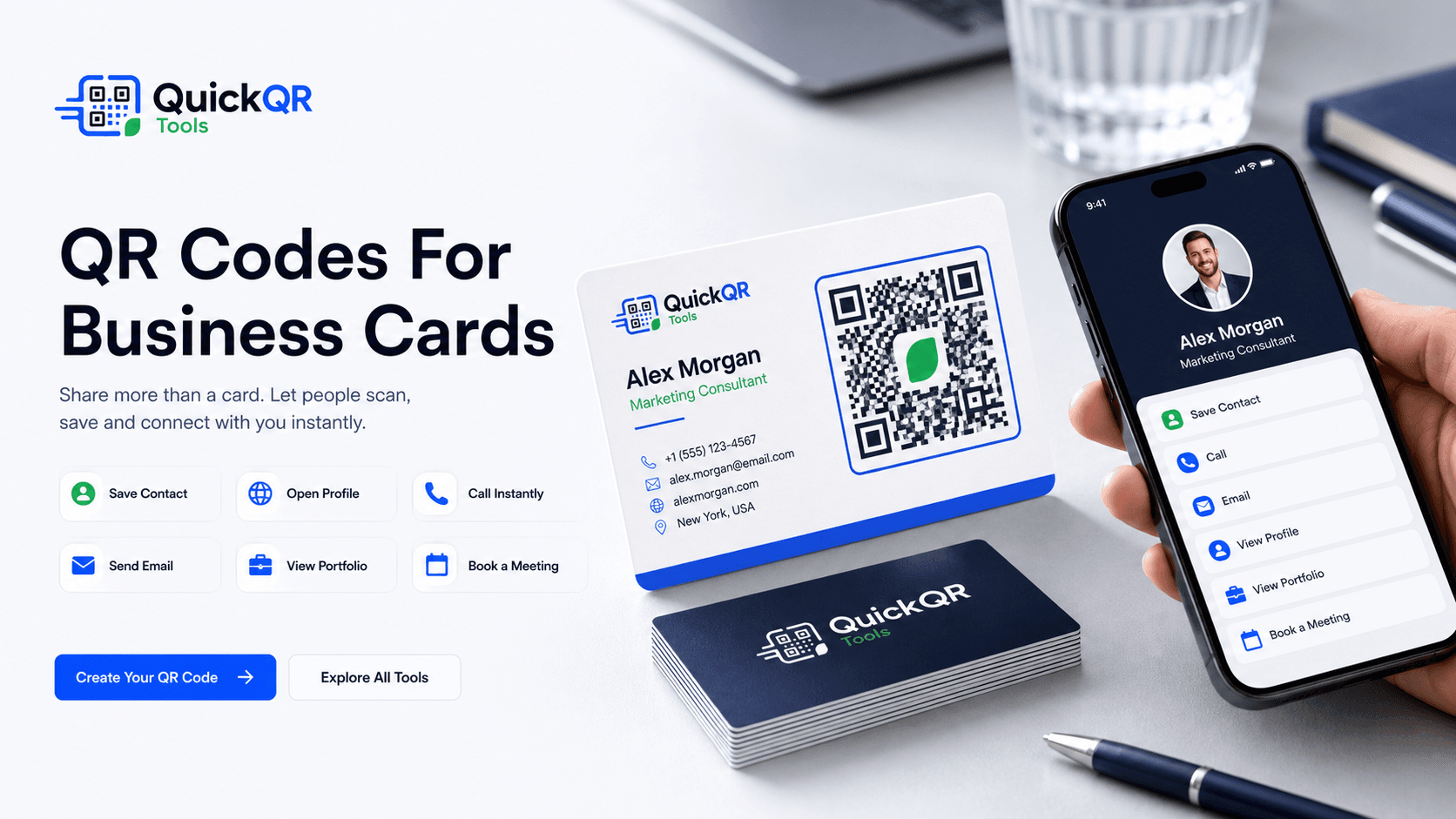
QR codes for business cards help people save contact details, open a LinkedIn profile, call, email, view a portfolio or book a meeting without typing from a printed card.
Networking use cases
A business card is small, but the scan can open a complete contact experience. Use one clear destination that matches what should happen after a meeting.
Use a vCard QR code so a prospect, client or event contact can save your name, phone, email, company and website.
Send people to a personal profile or company page when professional networking and follow-up are the main goals.
Make direct calls easier for sales, local services, real estate, repair teams, consultants and appointment-based businesses.
Let someone open a prepared email for quotes, questions, bookings, project requests or client follow-up.
Link cards to a website, case study, media kit, creator profile, PDF brochure or professional landing page.
Use a website QR code for appointment pages, discovery calls, consultations, demos or event follow-up.
Print planning
QR codes for business cards are printed on one of the smallest common business materials. That makes clarity important. The QR code should be large enough, high contrast and surrounded by enough quiet space so it scans quickly in normal lighting.
Use one primary scan action whenever possible. A vCard QR code is best when the goal is saving contact details. A LinkedIn QR code is better when the goal is professional follow-up. A website QR code is stronger when the card needs to open a portfolio, booking page or service page.
Always test the printed proof before ordering a full batch. Paper texture, card coating, low contrast ink and very small QR codes can make a design harder to scan even when it looks good on screen.
Business card examples
Match the QR destination to the next action you want after a conversation, event, appointment or sales meeting.
| Business card goal | Best QR destination | Useful QuickQR tool |
|---|---|---|
| Save contact details | vCard with name, company, job title, phone, email and website. | vCard QR Code Generator |
| Professional networking | LinkedIn profile, company page or professional landing page. | LinkedIn QR Code Generator |
| Immediate calls | Direct phone call for sales, local services, real estate or appointments. | Phone QR Code Generator |
| Email follow-up | Pre-filled email for quote requests, questions, proposals or bookings. | Email QR Code Generator |
| Portfolio access | Website, portfolio page, case study, creator profile or service page. | QR Code Generator |
| Real estate contact | Agent contact card, listing page, open house details or office location. | vCard QR Code Generator |
| Creator networking | Instagram, YouTube, TikTok, media kit, booking page or social hub. | Social Media QR Code Generator |
| Resume or brochure | PDF resume, service brochure, portfolio PDF or product one-pager. | PDF QR Code Generator |
| Meeting booking | Calendar booking page, consultation form, demo page or intake form. | QR Code Generator |
Scan readiness
Business cards have limited space. Check size, contrast and scan reliability before ordering cards for a team, event or campaign.
Choose a practical QR size for business cards, badges, brochures and small-format print layouts.
Calculate sizeCheck whether the QR color and card background keep enough contrast for reliable scanning.
Check contrastUse a practical scan checklist before printing business cards, badges or networking materials.
Test before printRelated tools
Create a digital contact QR code for business cards, badges, brochures and networking events.
Create vCard QRSend people to a professional profile or company page from printed cards and event materials.
Create LinkedIn QRLet prospects call directly from a business card, service card or sales handout.
Create phone QROpen a prepared email for quote requests, questions, introductions and follow-up.
Create email QRLink a business card to a website, portfolio, booking page, case study or contact page.
Create website QRConnect cards to Instagram, YouTube, TikTok, Facebook, LinkedIn or a social landing page.
Create social QRRelated guides
Use contact QR codes with reviews, offers, service pages, quote requests and printed materials.
Explore small business use casesAdd agent contact QR codes to property flyers, signs, open house sheets and business cards.
Explore real estate use casesConnect cards to portfolios, social profiles, booking pages, media kits and collaboration links.
Explore creator use casesReview size, quiet zone, contrast and scan testing before printing small-format QR codes.
Read printing guideUse QR codes across campaigns, handouts, events, packaging and customer touchpoints.
Explore marketing use casesUse contact cards, badges, flyers and event materials to help people connect after the event.
Explore event use casesReferences
Helpful for planning how printed materials, contact points and local promotion support small business follow-up.
Helpful when a business card QR code opens a mobile portfolio, booking page, contact page or service page.
Create a clean QR code for contact details, LinkedIn, phone calls, email, portfolios or booking pages, then test it before printing your cards.
FAQ
QR codes for business cards are scannable codes printed on cards so people can save contact details, open a website, visit a LinkedIn profile, call, email, view a portfolio or book a meeting from their phone.
A business card QR code should link to the action that matters most: a vCard, LinkedIn profile, website, portfolio, booking page, phone number, email address or PDF brochure.
Yes. A vCard QR code is one of the most practical QR codes for business cards because it lets someone save your contact details without typing them manually.
Yes. A LinkedIn QR code is useful when professional networking, recruiting, sales follow-up or company profile discovery is the main goal.
The QR code should be large enough to scan comfortably on the final printed card. Use a QR size calculator and test a physical proof before printing a full batch.
Yes, but glossy coating, texture and low contrast can affect scanning. Test the printed proof under real lighting before ordering many cards.
Usually one QR code is clearer. If you need multiple actions, use a landing page that includes contact details, LinkedIn, portfolio, booking and other links.
Print a sample, scan it with multiple phones, check the destination, confirm the saved contact or link works, and make sure the QR code remains readable at the final card size.